


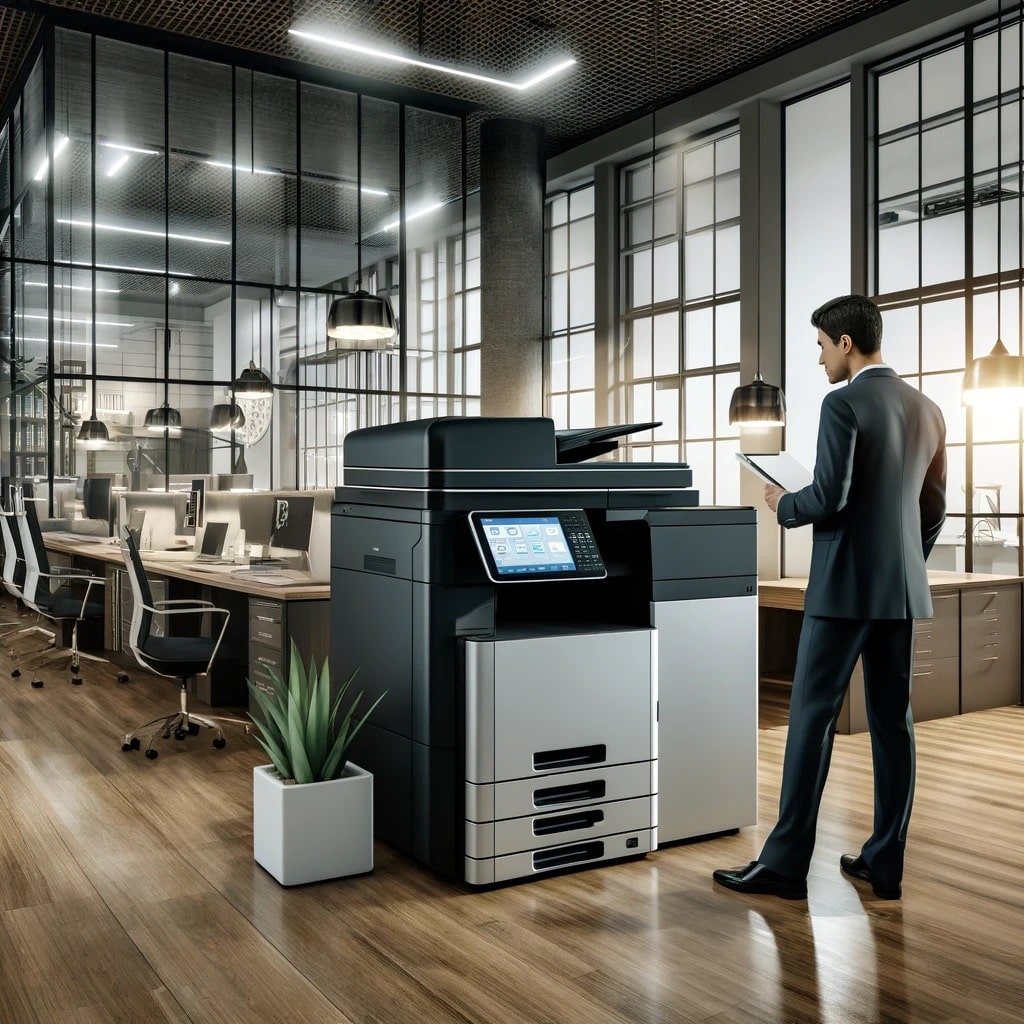
In today’s fast-paced office environment, efficiency and productivity are key. One of the simplest ways to improve both is by choosing the right office equipment. Among the most important decisions is whether to invest in a dedicated printer or a versatile multifunction device.
Many businesses are now discovering the benefits of all in one printer for office use. These versatile machines combine printing, scanning, copying, and often faxing into a single device. They save space, reduce costs, and streamline workflows.
This guide explores the key benefits of all in one printer for office, why you should choose one, and how it compares to single-function alternatives. Whether you run a small startup or a large enterprise, this information will help you make an informed decision.
What Is an All in One Printer?
An all in one printer is a single device that combines multiple office functions. Typically, it includes:
-
Printing – High-quality document and image printing
-
Scanning – Digitizing paper documents for storage or email
-
Copying – Producing duplicates of physical documents
-
Faxing – Sending and receiving faxes (on some models)
These features make the all in one printer a central hub for document management. Instead of having separate machines for each function, you get everything in one compact unit.
👉 Learn About All in One Printers
Key Benefits of All in One Printer for Office Use
1. Space Saving Office Printer
One of the most obvious benefits of all in one printer for office use is space efficiency. Traditional offices often require separate devices for printing, scanning, copying, and faxing. Each machine takes up valuable floor or desk space.
An all in one printer consolidates all these functions into one device. This is especially valuable for small offices, home offices, or workspaces where every square foot counts. By reducing clutter, you create a more organized and productive environment.
👉 See Space-Saving Office Printers
2. Cost Efficiency
Purchasing separate devices for printing, scanning, and copying can be expensive. A single all in one printer typically costs less than buying individual machines. Additionally, you save on:
-
Maintenance costs – One service contract instead of multiple
-
Consumables – Shared toner or ink usage
-
Energy consumption – One device uses less power than three or four
For businesses on a budget, the cost benefits of all in one printer are significant. Over time, the savings add up, making it a smart investment.
3. Streamlined Workflows
With an all in one printer, you can perform multiple tasks without switching between devices. For example:
-
Scan a document directly to email
-
Copy documents with a single button
-
Print from your smartphone or tablet
These features reduce the time spent on administrative tasks. Employees can focus on more important work, boosting overall productivity. The why choose all in one printer for office decision often comes down to workflow efficiency.
4. Enhanced Security
Modern all in one printers come with advanced security features. These include:
-
PIN or password protection for sensitive documents
-
Secure print release – printing only when you authenticate
-
Encryption for data transmission
-
Audit trails for tracking usage
For businesses handling confidential information, these benefits of all in one printer for office are critical. Security is a key reason why many offices choose an office printer with scanner and copier over simpler devices.
5. Professional Finishing Options
Many all in one printers offer finishing options that single-function printers lack. These include:
-
Stapling – Automatically staple multi-page documents
-
Hole punching – Prepare documents for binders
-
Booklet making – Create professional brochures and reports
-
Automatic duplex printing – Print on both sides of the page
These features help businesses produce professional-looking documents in-house, saving time and outsourcing costs.
6. All in One Printer vs Single Function Printer
When comparing an all in one printer vs single function printer, the choice depends on your needs. Single-function printers are cheaper upfront and simpler to use. However, they lack the versatility and efficiency of all in one models.
Key Differences:
| Feature | All in One Printer | Single-Function Printer |
|---|---|---|
| Functions | Print, copy, scan, fax | Print only |
| Space Required | Compact | Very compact |
| Cost Per Page | Lower (bulk toner/ink) | Higher (especially ink) |
| Security Features | Advanced | Basic or none |
| Best For | Busy offices with diverse needs | Users who only need to print |
For most offices, an all in one printer is the better investment. It provides greater value and functionality over time.
Why Choose All in One Printer for Office?
Choosing an all in one printer for your office is about more than just saving space. It’s about improving efficiency, reducing costs, and enhancing security.
Key Reasons:
-
Versatility – One device does it all
-
Cost savings – Lower upfront and ongoing costs
-
Space efficiency – Ideal for small and medium offices
-
Security – Protect sensitive information
-
Professional output – Finishing options for presentations and reports
Whether you’re a small business or a large corporation, the benefits of all in one printer for office make it a practical choice.
Frequently Asked Questions
1. What are the benefits of all in one printer for office use?
The benefits of all in one printer for office include space savings, cost efficiency, streamlined workflows, enhanced security, and professional finishing options. These features make all in one printers ideal for modern offices.
2. What are the multifunction printer benefits compared to single-function printers?
Multifunction printer benefits include versatility, lower cost per page, advanced security, and finishing options. Single-function printers only print, while all in one printers print, scan, copy, and often fax.
3. Why choose all in one printer for office over a standard printer?
You should choose all in one printer for office because it saves space, reduces costs, improves workflow, and offers security features. It’s a more versatile and efficient solution.
4. What is an office printer with scanner and copier?
An office printer with scanner and copier is an all in one device that combines printing, scanning, copying, and sometimes faxing. It eliminates the need for separate machines.
5. Is an all in one printer better than a single-function printer?
The all in one printer vs single function printer comparison shows that all in one printers offer more functionality and value, especially for offices with diverse needs. Single-function printers are better for users who only print occasionally.
6. How does an all in one printer save space?
A space saving office printer combines multiple functions in one compact device. This eliminates the need for separate printers, scanners, and copiers, freeing up valuable workspace.
7. Are all in one printers more expensive to maintain?
While all in one printers may cost more to service, the overall cost is often lower than maintaining multiple devices. Service contracts provide predictable costs and cover all functions in one plan.
8. Can I print from my phone with an all in one printer?
Yes, most modern all in one printers support mobile printing via Wi-Fi, Bluetooth, or apps. This is a key benefits of all in one printer for office for remote and hybrid workers.
Final Thoughts
The benefits of all in one printer for office are clear: space savings, cost efficiency, enhanced security, and improved workflows. Whether you’re setting up a new office or upgrading existing equipment, an all in one printer is a smart investment.
Trojan Technologies offers a wide range of all in one printers from trusted brands like Canon and Ricoh. We help businesses in Qatar find the right solution for their needs.
📞 Call: +974 4416 8660
🌐 Website: trojantechnologies.qa
📍 Serving businesses across Doha, Al Rayyan, Al Wakrah, and Lusail.